Bay Area · print proof
Check how logos print on kraft bags before your Bay Area order.
A print proof for Bay Area restaurants: every logo bag on this page is a sample design for a made up shop. Study how bold type, fine lines and bright colors land on brown and white paper, then try your own.
Free toolNothing is uploaded
See your logo on the bag. Right now, free.
Pick your logo file and watch it land on our 12″ × 7″ × 14″ kraft bag, to scale, inside the 12 × 14 in print area. Your file stays on your device.
- Tip: a PNG with a clear background prints cleanest.
Setup is $0 and the front print is free. Want to test first? Try 50 bags for $28.
Free report cardBay Area logo check
Fine lines, pale colors, a long flat name? Your logo's report card finds them first.
Fog grays, pastel inks and thin script look lovely on a screen and turn mushy on brown kraft. Pick your logo file and we grade it on brown, on bright white, on line weight at the size you choose and on how big it lands. You keep the report as a card.
Your logo lands here
- On brown kraftContrast against the paper?
- On bright whiteContrast against the paper?
- Line weightThin lines at this size?
- Size on the bagPrinted width and height?
How we grade: contrast is the WCAG ratio between each main color and the paper, weighted by how much of the logo it covers (3:1 is the WCAG minimum for big text). Line weight looks for lines under about 2 mm at the size you pick, since kraft fibers soak up ink. The print area is 12 × 14 in on the front, and bags come in brown kraft and bright white. A guide, not a print proof. Your file never leaves your device.
Next free giftSee your name in North Beach neon, canopy shade and a phone flash, on the North Beach page→[01]Sample designs
Four pretend shops, four ways a logo can look on paper.
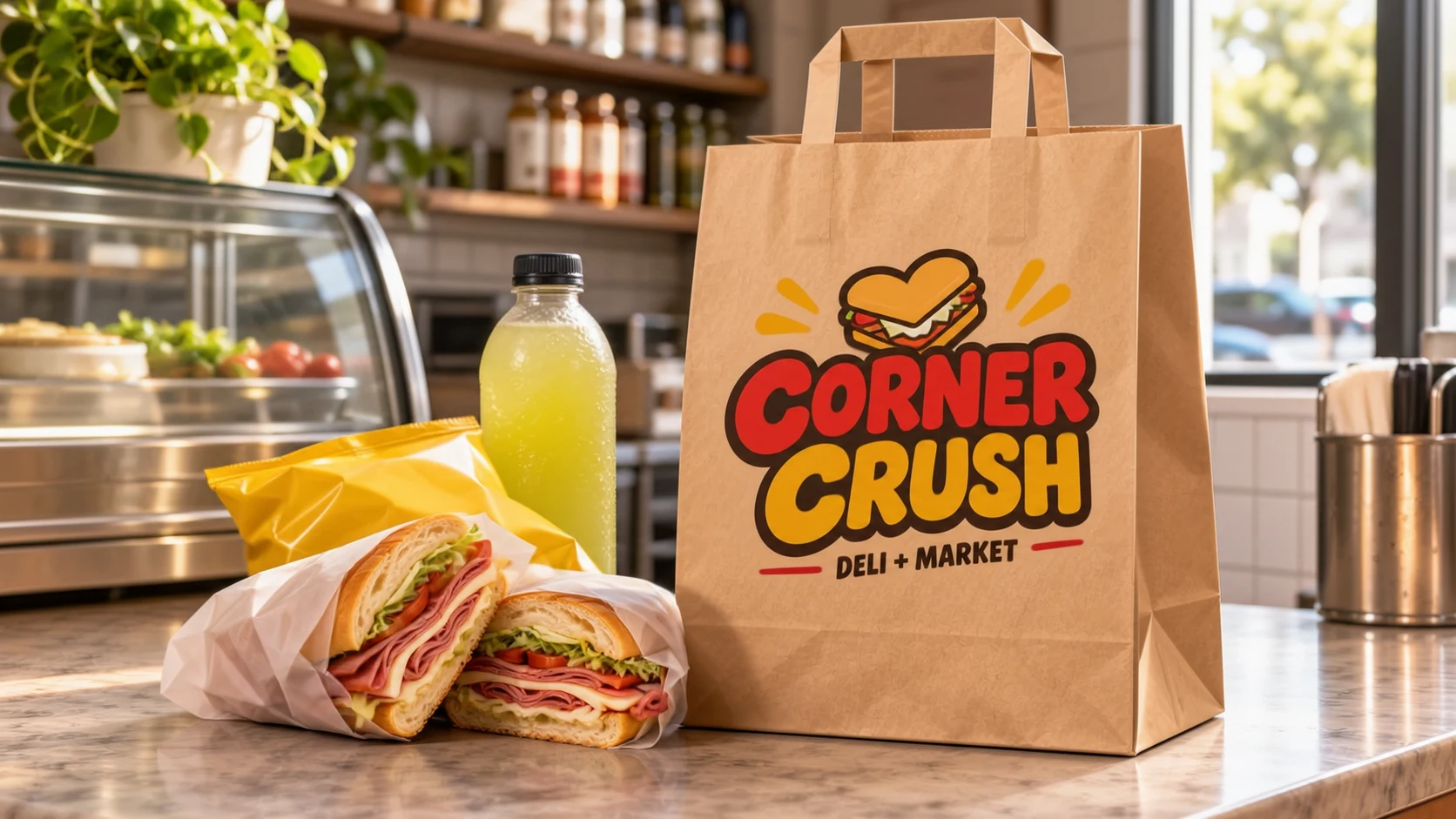
A soft one color bakery mark, a busy two color grill badge, a loud night market logo and a classic diner script. Look at the edges, the small words and how the paper color changes each ink.
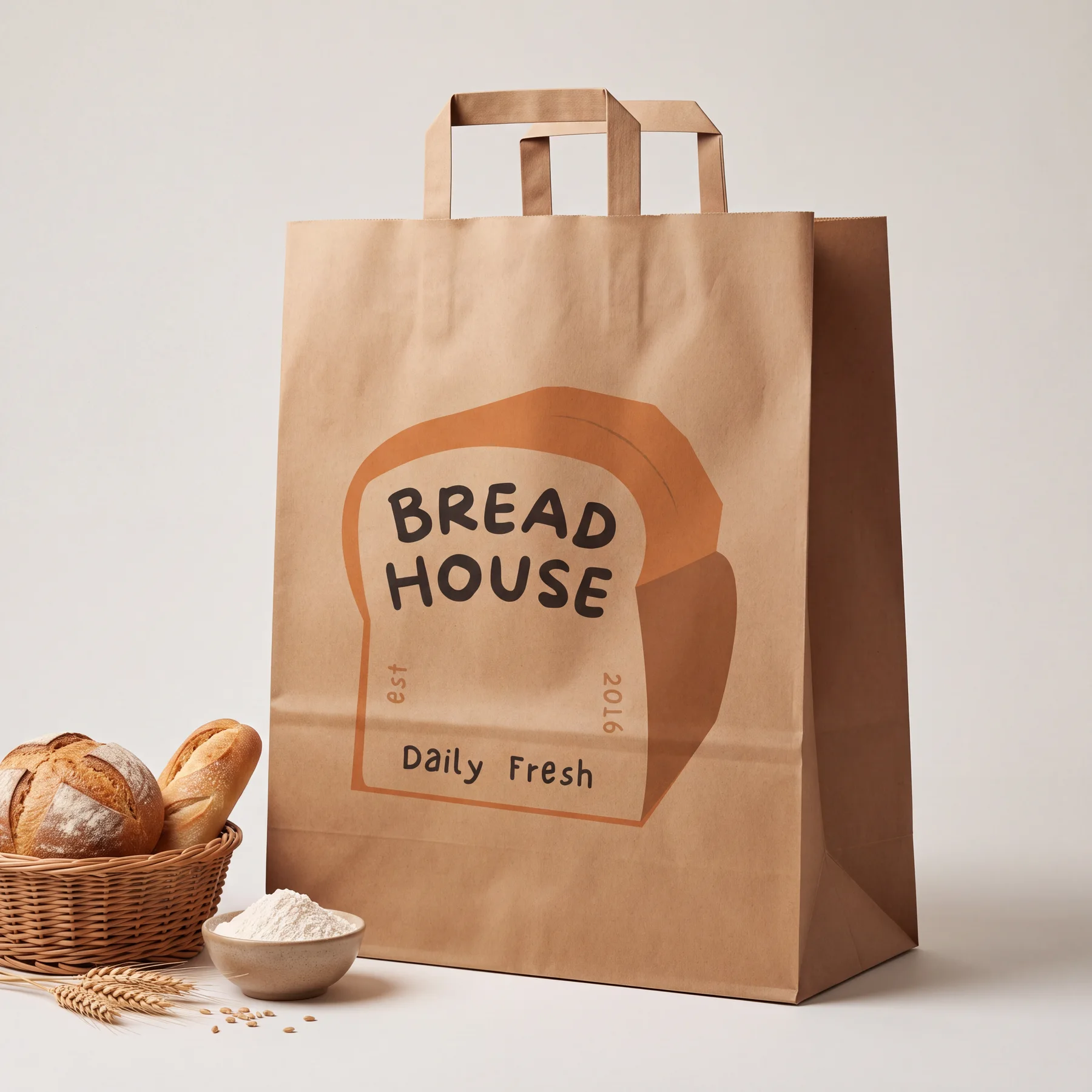
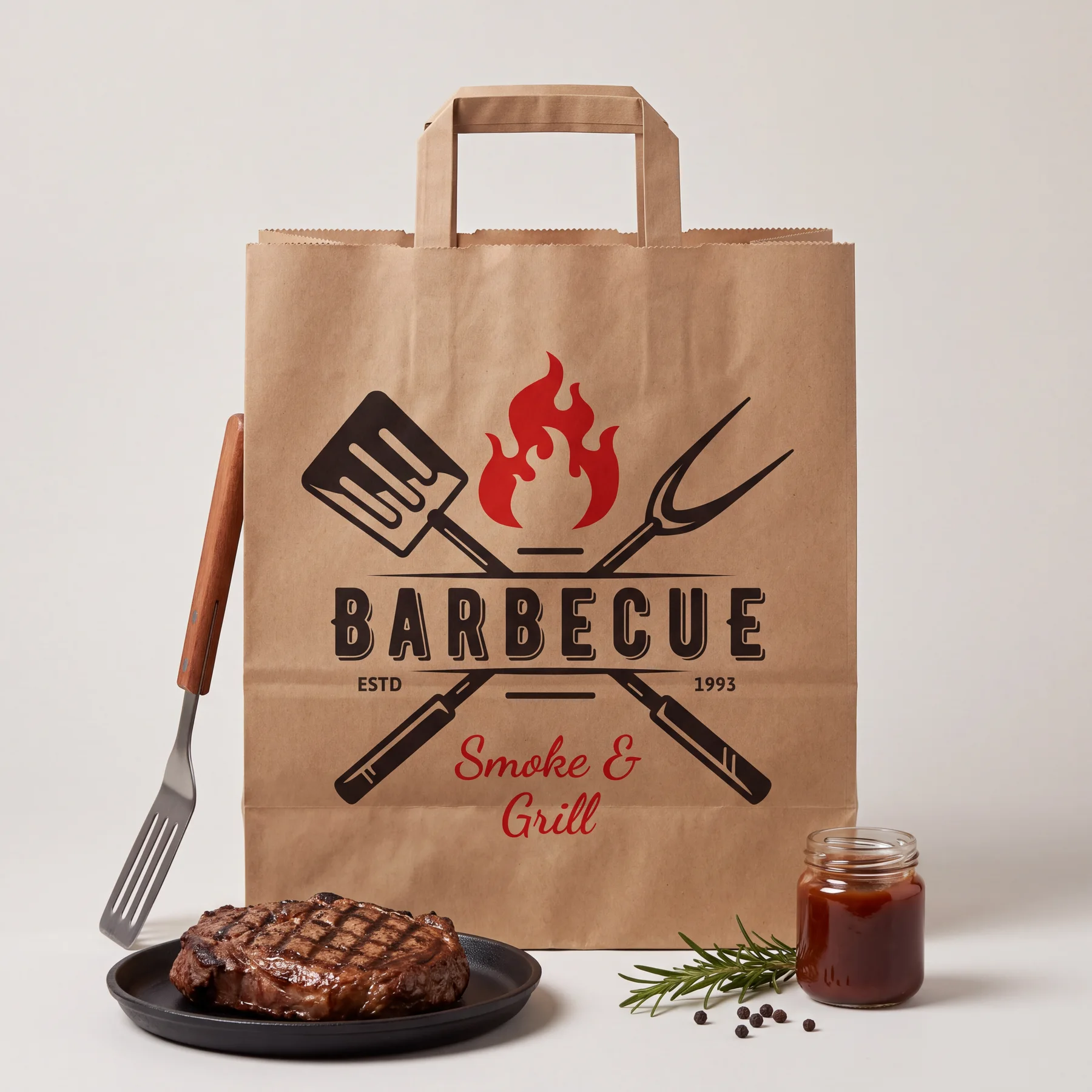
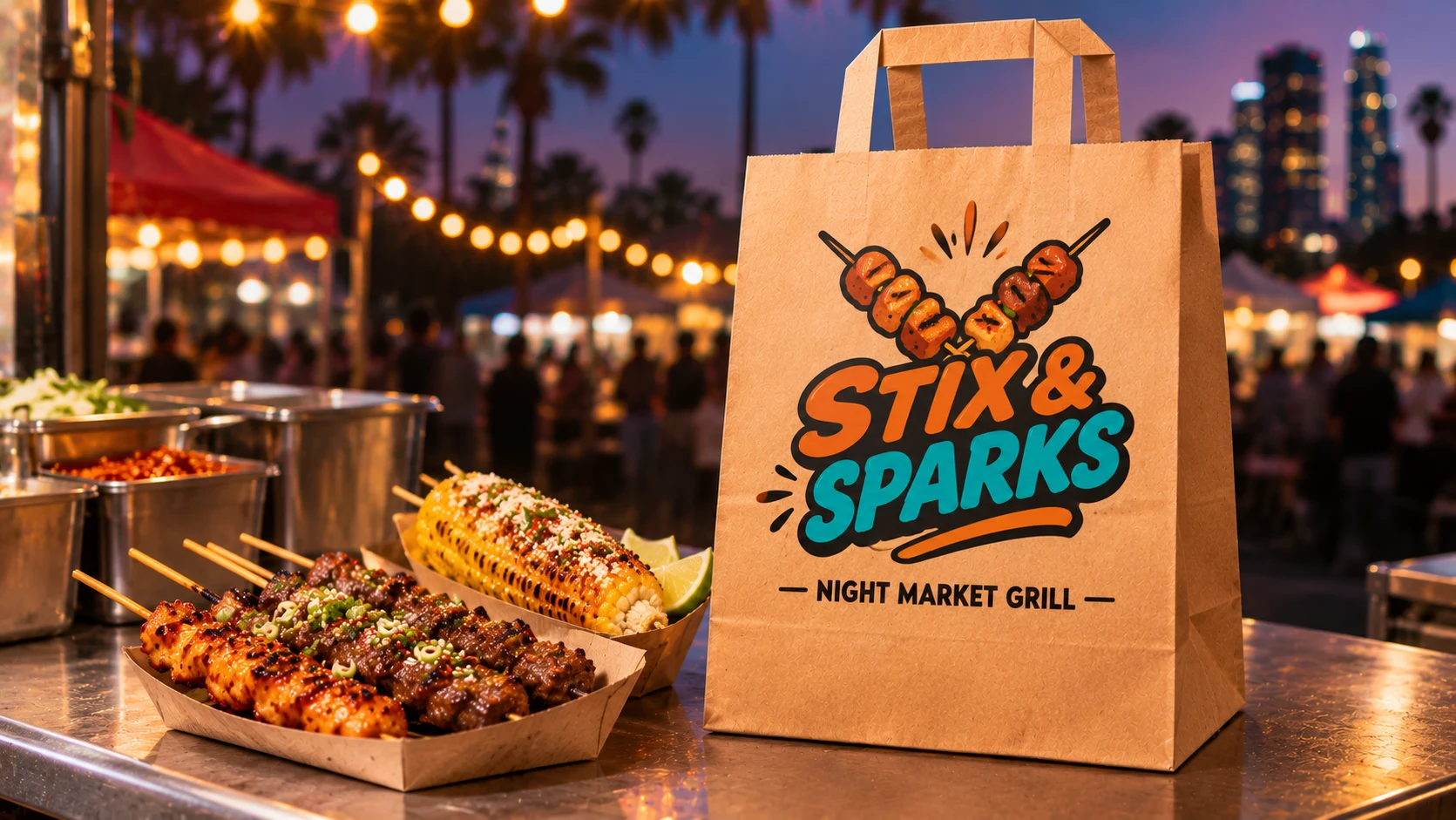
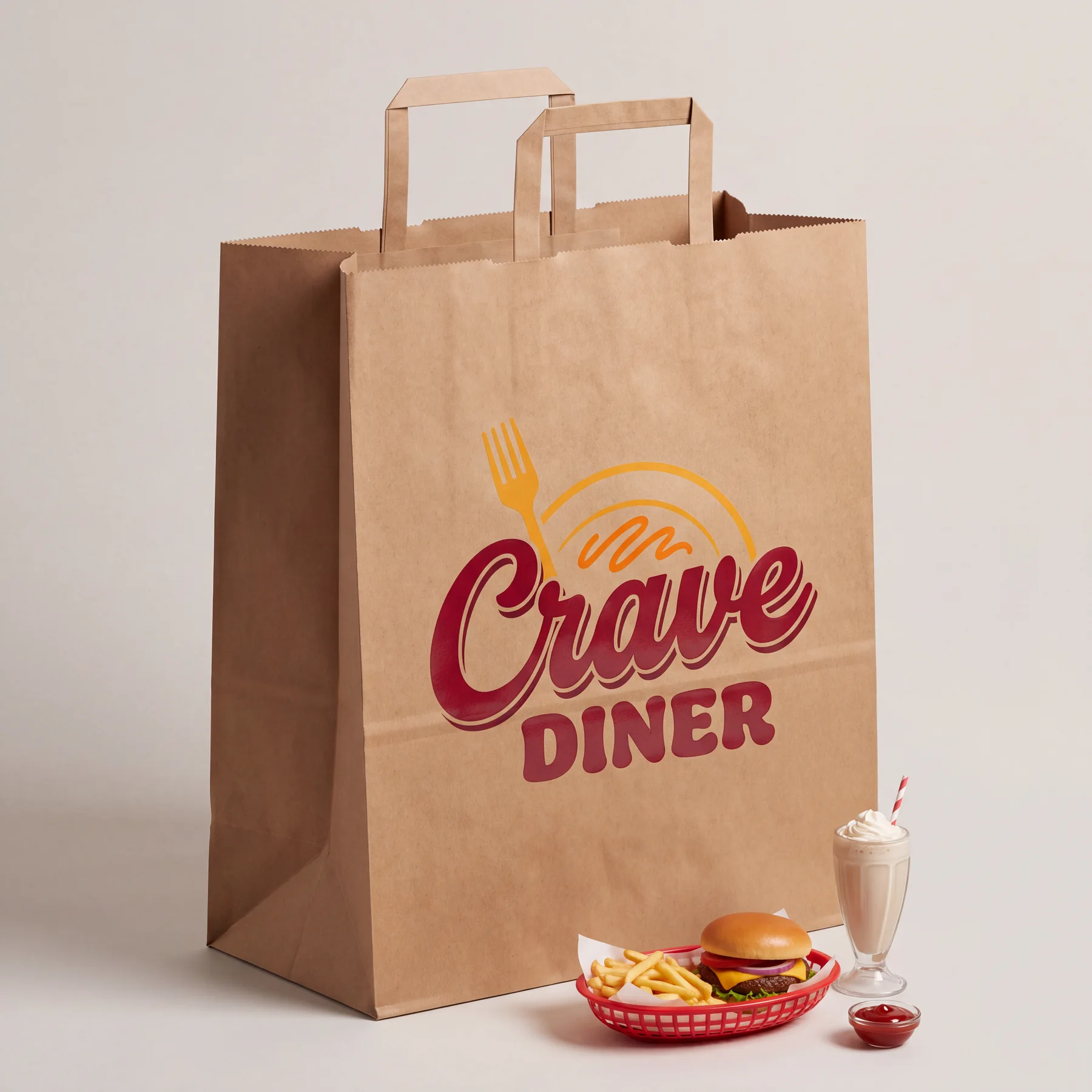
These are sample designs, not customers. Your own logo shows up on the bag in the upload step, so you see it before you pay.
[02]The print area
Your logo gets the whole front panel. Here are the numbers.
We print the front for free. The side gussets stay unprinted so the bag still folds flat and pops open fast during a rush.
- Print area
- Up to 12 × 14 in
- Bleed
- Prints right to the edges
- Included at no cost
- the front
- Back panel
- Paid add-on, optional
- Number of ink colors
- No limit, match your logo
- Paper choices
- brown kraft and bright white
- Bag dimensions
- 12″ × 7″ × 14″
A quick file check before you upload
Pull up your logo and go down this list. It takes a minute and saves you from a fuzzy bag.
- Blow it up big on screen. Soft or jagged edges mean the file is too small. Ask your designer for the original, or use a PDF, an SVG or a PNG that's 2000 pixels wide or more.
- Make the background clear. A logo saved on a white square prints that white square onto brown kraft.
- Stand back from your screen. Hairline strokes and tiny taglines disappear first. If you can't read them from across the kitchen, neither can a rider on BART.
- Think about the paper under the ink. Brown kraft shows through lighter inks and warms them up. White paper keeps colors close to what you see on screen.
- Test it on a real bag. Hold your phone with the logo up against any brown bag in the back. If it still pops, you're set.
Bay Area logos on brown and white
Logos around here run the full range: deep red on a Chinatown bakery sign, bright green on a taqueria, black and gold on a ramen bar, pastel on a boba shop in the South Bay. Here's how each kind behaves.
- Deep reds, blacks and dark greens look sharp and rich on brown kraft. They're the safest choice for a bold, handmade look.
- Pastels, light pinks and sky blues soften on brown because the paper tints them. Pick bright white if your brand depends on those colors.
- Gold and yellow read warm on brown and pop hard on white. Try both on screen before you choose.
- One color line art works on either paper. It's also the easiest to read from across a train car.
Dark ink wins on brown kraft. Light and pastel ink wins on white.
The upload step is your proof
The old way: email a file, wait a day for a PDF proof, ask for a change, wait again. Here, you drop your logo in, it lands on the bag right on your screen, and you slide and size it yourself. You only pay once it looks the way you want.
Not sure your file is good enough? Email it to hello@supplyaccess.co with a line about what you cook, and I'll tell you if it'll print clean and which paper I'd use. When you're ready, see what a logo bag costs or go back to logo printed kraft bags in the Bay Area.
[03]Printing questions
The little things that decide how your bag looks.
Which file types work best?
A PDF, an SVG, or a PNG with a clear background. For a PNG, go for 2000 pixels wide or larger.
Will a photo of my food print well?
Clean logos and bold type print best on kraft. Soft photo shading loses detail on paper, so a simple mark is the better bet.
Can both sides of the bag be printed?
The front is included free. Adding the back is a paid option you can pick on the product page.
What if my logo has a thin tagline?
Make it bigger or drop it on the bag. Thin small words are the first thing to fade on kraft fibers.
Now it's yours
Done looking at samples? Put your own logo on the bag.
Upload your logo when you set up your box and check it on the bag before you pay. Want a smaller start? The Kraft Discovery Box has 50 bags with your logo printed free.
Full box from$85